Step 2: Click details.Details.PNG 2.17 KB Step 3: Put the time based on the Service report. details.png 10.78 KB
Step 4: Click resolution.Resolution.PNG 2.04 KB
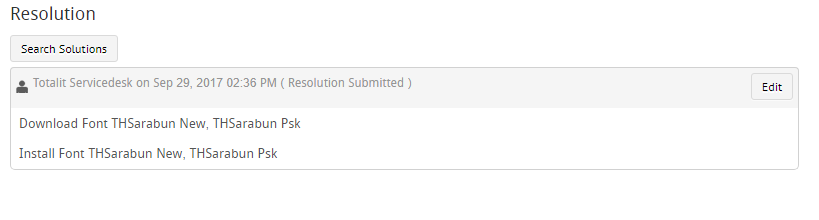
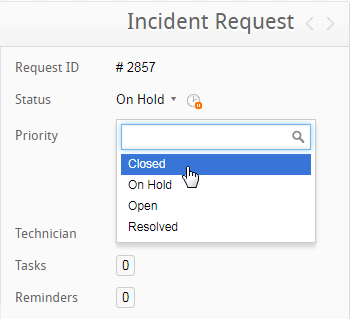
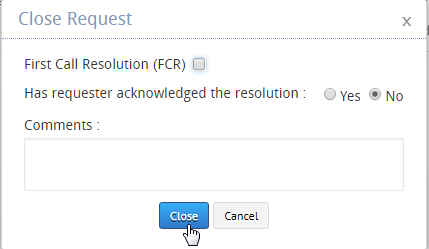
Step 5: Click edit. Copy the Actions Taken and paste it on the Resolution.Resolution 2.PNG 12.14 KBStep 6: Click save.Save.PNG 2.54 KBStep 7: Attach the service report.Attachment.PNG 1.46 KB Step 8: Click the Priority and select CloseClose.png 10.46 KB Step 9: Check FCR, Seletect Yes and click CloseClose Prompt.png 9.23 KB NOTE: If the SR details are incomplete. Send it back to the engineer and ask them to complete the details.
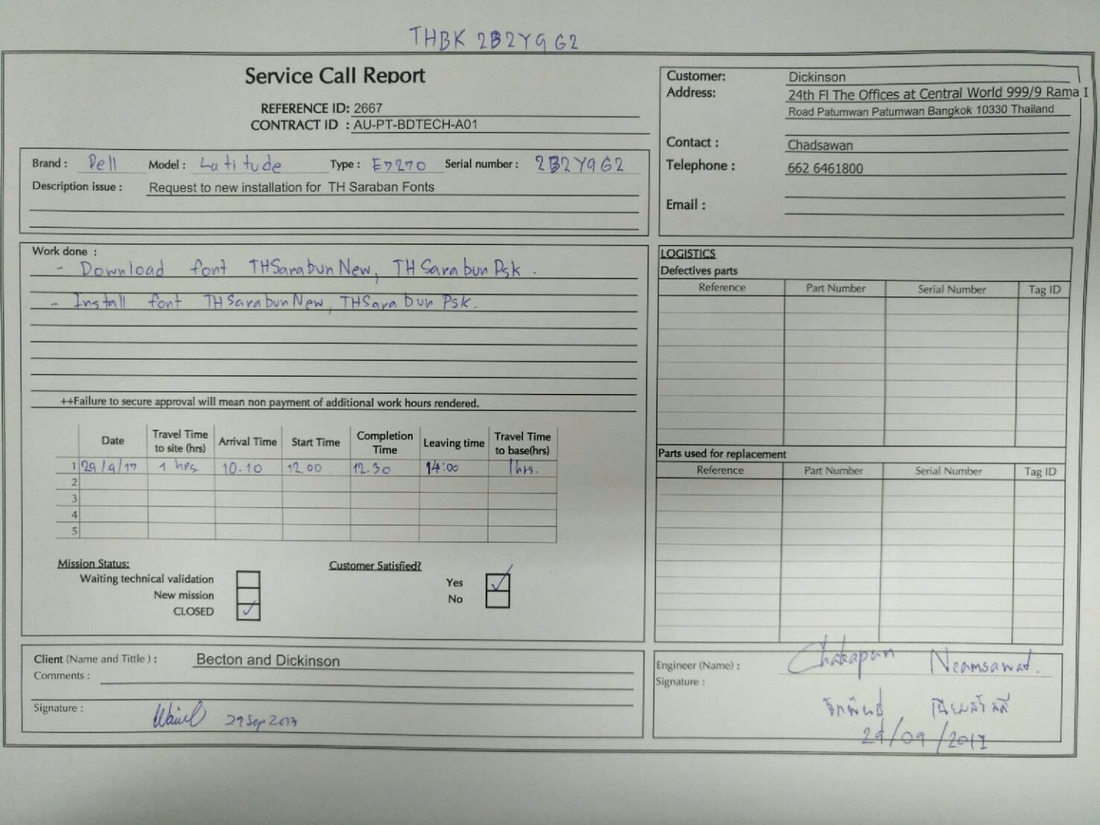
Sample of a complete SR^F8669CF5F7FB7F7887F57ACC62C7CBE0B64A5D7633CFF0A9DD^pimgpsh_fullsize_distr.jpg 151.72 KB