How do I close the day?
Last updated about 6 years ago
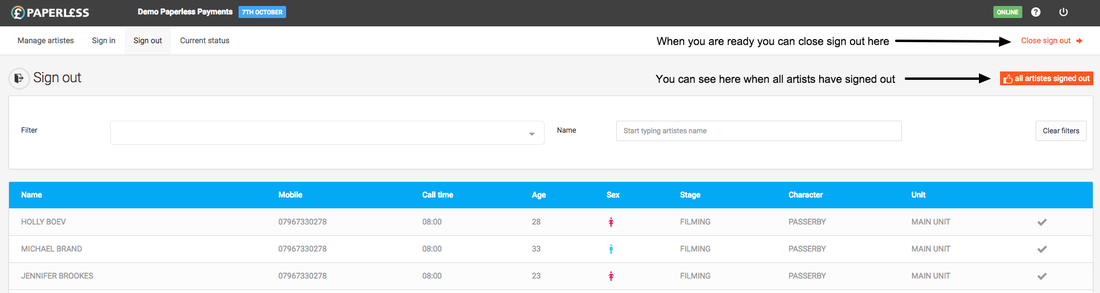
From the open day select the "Close sign out" link which appears in the top right of the screen.
You will then be taken to a confirmation page where you are able to close the day.
Please note that all Artistes will need to be accounted for in some way - this will mean that they will have to be:
- Signed out
- OR marked as "Do not pay"
- OR marked as cancelled (this will be done by us)
When you come to the "Close sign out" confirmation page the system will notify you if one or more Artistes have not yet been accounted for. You will be able to click on the links on that page to see which Artiste or Artistes this relates to.