Dashboard explained
Last updated 6 months ago
The Dashboard is your overview page for Paperless Payments.
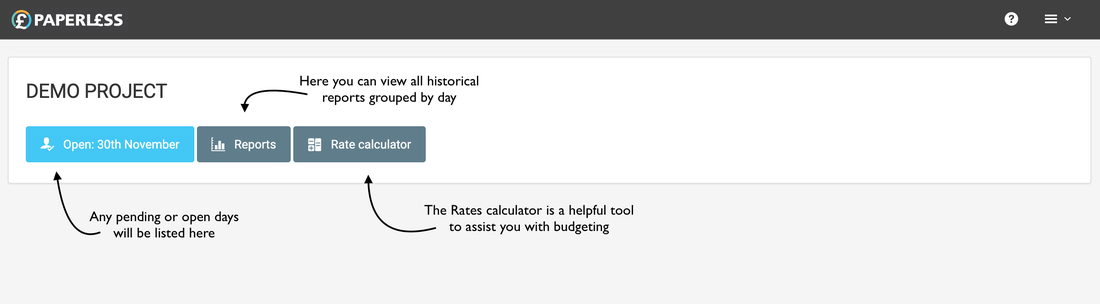
Here you will be able to access:
- Any pending days which have been pushed up to Paperless Payments by your booker
- Your open day if you currently have one open
- Reports from all completed days on any project
- A rates calculator which is a helpful tool for budgeting to help you work out how much a day might cost per one person if you estimate a call time and wrap time.
You can view your dashboard at any time by clicking on the 'Paperless' logo in the top left corner.