"Manage Artistes" explained (pending, open and closed - unsent days)
Last updated over 6 years ago
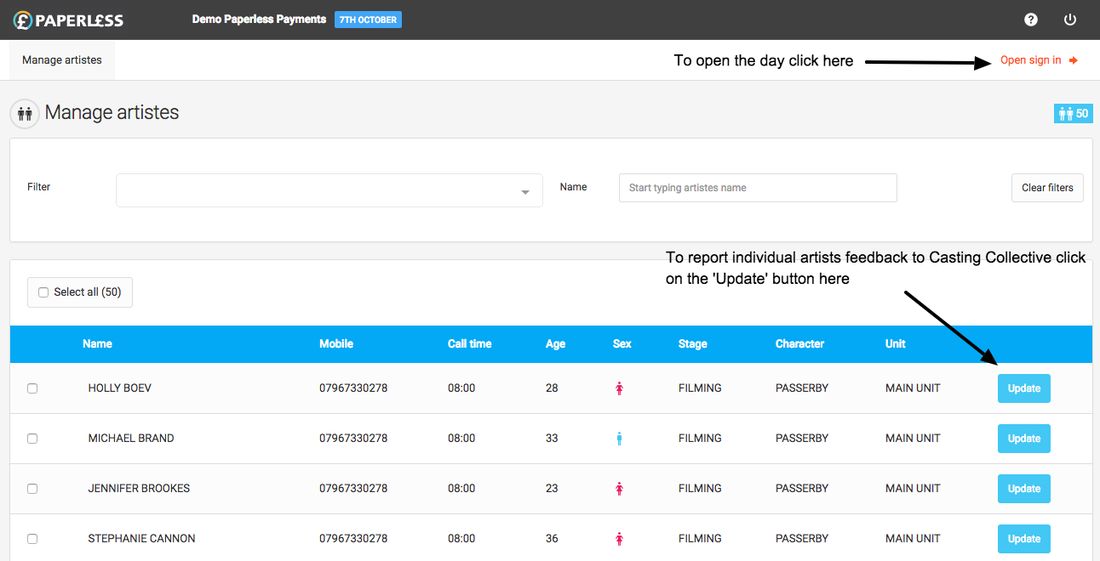
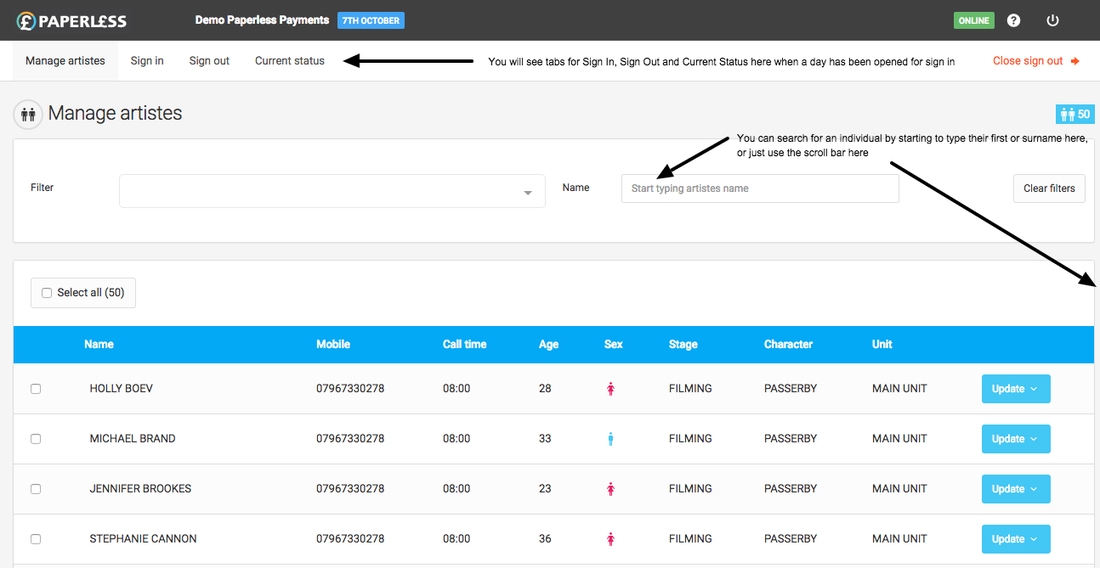
The "Manage Artistes" page is where you can view artistes and set or update rates, travel, supplements and meals for one or a group of selected Artistes. Use the "Name" search to find individual Artistes to update or use the filter dropdown to find groups of Artistes
You will be able to access this screen before the day has started, during the filming day or even after sign-out as long as the day has not yet been sent to your accounts team. Simply click into the day that you want to manage artistes from the Dashboard or from the Reports page for closed days.
From this screen you can also:
- Report good or bad feedback for any Artiste directly to us. Click the "Update" button next to the artiste and then from the dropdown select "Feedback"
- Set an Artiste to not be paid for a day. You may need to do this if the Artiste calls in sick, doesn't come to set or if you have to send them home for bad behaviour. Click the "Update" button next to the artiste and select "Don't pay artiste" from the options. In the pop-up box select the reason for not paying the Artiste and add more details where relevant.
If you are viewing a pending day you will also be able to 'open sign in' from this screen. Please note that it is only possible to have one day open at a time and so if you do not see a link to "Open sign in" you will probably already have another day open.